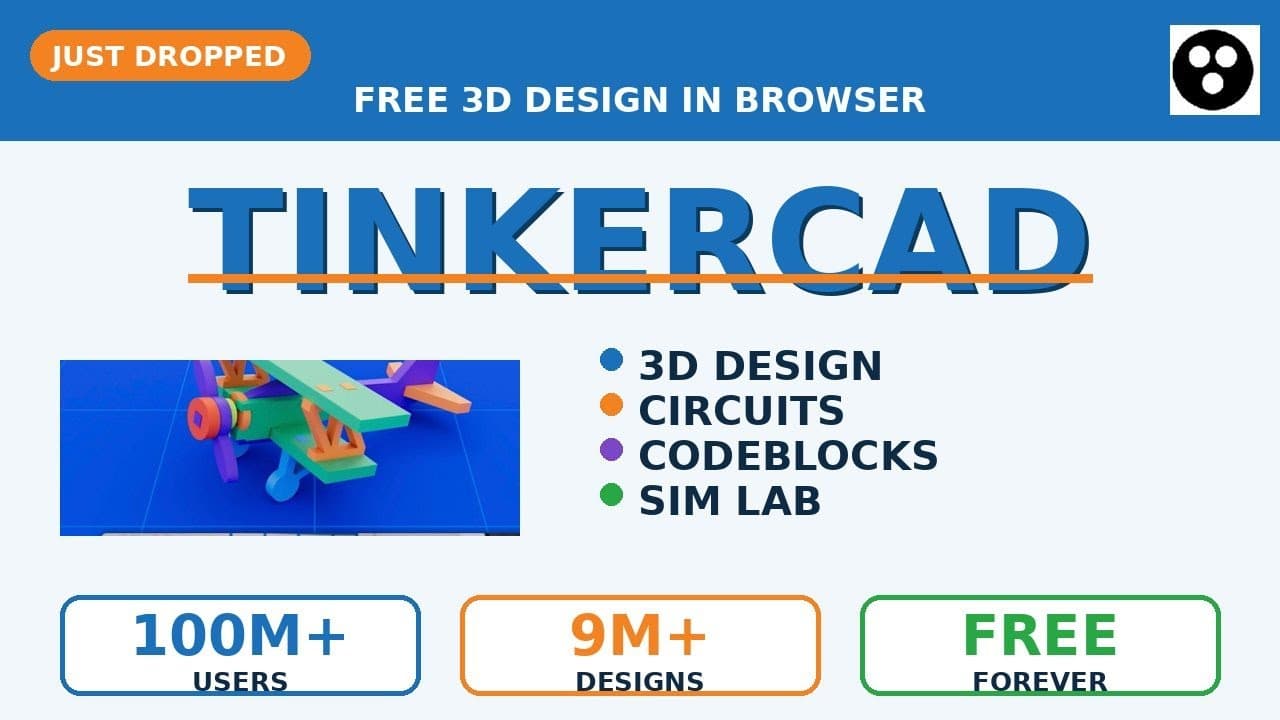
Tinkercad is the free browser-based 3D design tool from Autodesk used by 100M+ makers and over 9M public designs in the gallery. Three editors in one tab: drag-drop 3D Designs, real Arduino Circuits simulator, and block-based Codeblocks for parametric and generative shapes. Sim Lab adds gravity, materials, and motors so you can animate and export MP4. Export STL, OBJ, or SVG free forever – no install, runs on Chromebook.
— FREE GUIDE: https://drive.google.com/file/d/1Yq_uNxA10o2ZILiLx2BgGXYUk7UT48ht/view?usp=drivesdk
— Build SaaS workflows with GoHighLevel: https://www.gohighlevel.com/?fp_ref=cptdigital
— TIMESTAMPS
00:00 Tinkercad just dropped
00:08 Editor 1: 3D Designs (drag drop group export)
00:16 Real community designs (engine, biplane, pendulum)
00:24 Editor 2: Circuits (Arduino simulator)
00:32 Editor 3: Codeblocks (parametric 3D)
00:40 Sim Lab (gravity, motors, MP4 export)
00:47 5 steps to your first design
— WHAT YOU LEARN
– 3D Designs: drag primitives, group with Hole to subtract, export STL/OBJ/SVG
– Circuits: 100+ components, real Arduino code, breadboard simulation
– Codeblocks: Scratch-style 3D with parametric loops
– Sim Lab: physics simulation, materials, MP4 video export
– 5-step workflow from sign-up to STL export
— LEARN MORE
@3blue1brown
@TwoMinutePapers
@freecodecamp
@MattWolfe
@matthew_berman
@DeepLearningAI
@KrishNaik
@sentdex
@YannicKilcher
@NateBJones
#tinkercad #autodesk #3ddesign #3dprinting #arduino #codeblocks #stem #cad #maker #beginner #onlinecad #browsercad #3dmodeling #shorts #freetools