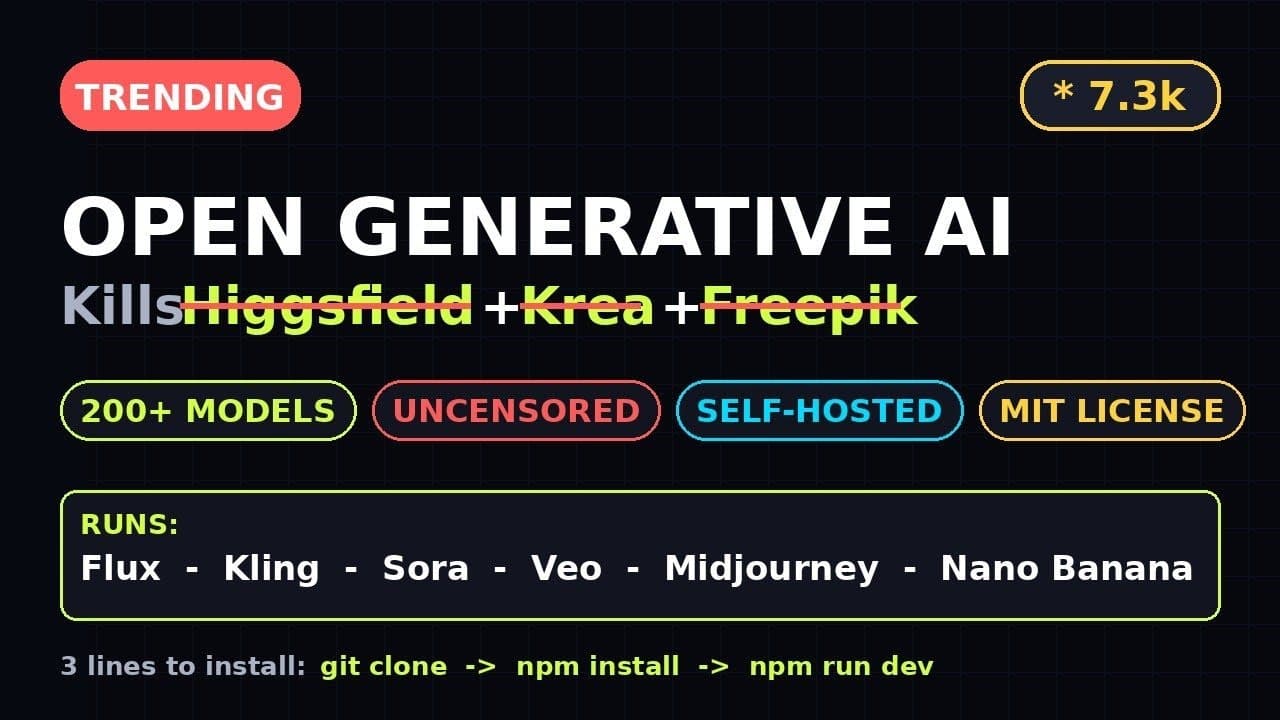
If you’ve been juggling Higgsfield AI, Krea, Freepik, and Openart just to generate images, one GitHub repo just changed the game. **Open Generative AI**—formerly Open-Higgsfield-AI—packs 200+ models into a single, uncensored, self-hosted studio under an MIT license. No subscriptions, no API limits, and no corporate filters.
Key Takeaways
- **Open Generative AI** is a self-hosted, MIT-licensed AI studio with 200+ built-in models, replacing tools like Higgsfield AI and Krea.
- It’s uncensored, runs locally, and requires no API keys or cloud dependencies.
- Setup is CLI-driven but beginner-friendly, with Docker support for quick deployment.
- Features include real-time generation, model swapping, and custom prompt chaining—all offline.
- The repo has 7.3k+ GitHub stars and active community contributions, ensuring rapid updates.
▶ Watch on YouTube · Subscribe for daily AI tools
What Is Open Generative AI?
Open Generative AI (formerly Open-Higgsfield-AI) is a self-hosted AI image studio that consolidates the functionality of Higgsfield AI, Krea, Freepik, and Openart into a single, open-source package. Built by GitHub user Anil-matcha, it’s designed for developers and creators who want full control over their AI workflows without vendor lock-in.
The tool is MIT-licensed, meaning you can modify, distribute, or commercialize it without restrictions. Unlike cloud-based alternatives, it runs entirely on your hardware, eliminating latency and censorship concerns. With 200+ pre-integrated models—including Stable Diffusion variants, LoRAs, and custom checkpoints—it’s a Swiss Army knife for AI-generated imagery.
Key differentiators from mainstream tools:
- No API keys or cloud dependencies—everything processes locally.
- Uncensored generation, allowing for niche or experimental use cases.
- Active GitHub community with 7.3k+ stars and frequent updates.
- Supports Docker for one-command deployment, lowering the barrier to entry.
Why It Matters for Developers and Creators
For developers, **Open Generative AI** solves two critical pain points: cost and control. Cloud-based tools like MidJourney or DALL·E 3 charge per image or impose rate limits, while self-hosted solutions like Automatic1111 require manual model management. This repo bridges the gap by bundling 200+ models into a unified interface, reducing setup time from hours to minutes.
Creators benefit from uncensored generation, which is increasingly rare in commercial tools. Whether you’re prototyping game assets, generating concept art, or experimenting with NSFW content, the lack of filters gives you creative freedom. The MIT license also means you can integrate it into commercial projects without legal risks.
Additional advantages over traditional workflows:
- Offline-first: No internet? No problem. Generate images anywhere, even on air-gapped machines.
- Model diversity: From anime to photorealism, the built-in library covers most use cases without manual downloads.
- Prompt chaining: Build multi-step workflows (e.g., generate → upscale → refine) in a single session.
- GPU optimization: Supports CUDA and ROCm, maximizing performance on NVIDIA and AMD hardware.
For teams, the self-hosted nature ensures data privacy. No images leave your infrastructure, making it ideal for studios handling sensitive IP or client work. The repo’s 7.3k stars also signal strong community trust, with contributors actively adding features like real-time previews and model fine-tuning.
How to Set Up Open Generative AI: Step-by-Step
Setting up **Open Generative AI** is straightforward, even for beginners. The repo provides Docker and manual installation options. Below is the Docker method, which is the fastest way to get started.
Prerequisites:
- A machine with at least 8GB RAM and a GPU (NVIDIA recommended for CUDA support).
- Docker and Docker Compose installed. If you’re on Windows, use WSL2 for best results.
- Git installed to clone the repository.
Step-by-step setup:
- Clone the repo:
git clone https://github.com/anil-matcha/Open-Generative-AI.git
cd Open-Generative-AI
- Configure environment variables:
Copy the example `.env` file and edit it to match your hardware:cp .env.example .env
Key variables to adjust:
TORCH_DEVICE: Set tocudafor NVIDIA GPUs orcpufor fallback.MODEL_CACHE_DIR: Specify a path for downloaded models (e.g.,/mnt/models).PORT: Default is 7860, but change if the port is occupied.
- Build and run with Docker:
docker-compose up --build
This pulls the base image, installs dependencies, and starts the web UI. The first run may take 10-30 minutes to download models, depending on your connection.
- Access the UI:
Openhttp://localhost:7860in your browser. The interface loads with all 200+ models pre-configured. No additional setup is needed.
For manual installation (advanced users), the repo includes a requirements.txt and setup script. However, Docker is recommended for most users due to its simplicity and dependency management.
Real Capabilities and Features
Open Generative AI isn’t just a Stable Diffusion frontend—it’s a full-fledged studio with features that rival paid tools. Here’s what you can do out of the box:
Core capabilities:
- Real-time generation: Adjust prompts, parameters, or models and see results instantly without reloading.
- Model swapping: Switch between 200+ models (e.g., Realistic Vision, Anything V5, SDXL) with one click. No manual downloads or config tweaks.
- Prompt chaining: Create multi-step workflows, like generating an image → applying a LoRA → upscaling with ESRGAN.
- Batch processing: Queue multiple prompts or variations to run sequentially, saving hours on large projects.
Advanced features for power users:
- Custom model support: Add your own .safetensors or .ckpt files by dropping them into the
modelsdirectory. - API access: Use the built-in REST API to integrate with external tools or scripts. Example endpoint:
/api/generate. - GPU memory optimization: Adjust
--medvramor--lowvramflags to run on hardware with limited VRAM (e.g., 4GB GPUs). - Community extensions: Install plugins from the AI tools directory for features like face restoration or style transfer.
Performance benchmarks (varies by hardware):
- NVIDIA RTX 3060 (12GB VRAM): ~3-5 seconds per 512×512 image with SD 1.5.
- NVIDIA RTX 4090: ~1-2 seconds per 512×512 image with SDXL.
- AMD RX 6800 (16GB VRAM): ~5-8 seconds per image with ROCm support.
The tool also includes quality-of-life features like:
- Automatic model caching to avoid re-downloading.
- Dark/light mode toggle in the UI.
- Built-in image editor for quick touch-ups.
- Export options for PNG, JPEG, or WebP with metadata preservation.
Real-World Use Cases for Open Generative AI
Developers and creators are already using **Open Generative AI** to solve practical problems without vendor lock-in. Here are three concrete scenarios where the tool shines.
1. Offline Creative Workflows
Imagine a concept artist on a 12-hour flight with no internet. With **Open Generative AI**, they can iterate on character designs using Stable Diffusion XL or Flux.1 locally. No API calls, no latency—just GPU cycles.
- Load a base model (e.g.,
juggernautXL_v9) and tweak prompts in real time. - Chain outputs: generate a sketch, upscale it, then apply a LoRA for a specific art style.
- Export results as PNGs with metadata intact for later refinement.
2. Privacy-Focused Content Generation
Agencies handling sensitive client briefs (e.g., healthcare or legal) can’t risk cloud leaks. **Open Generative AI** runs entirely on-premises, keeping prompts and outputs behind the firewall.
- Deploy on an air-gapped workstation with Docker (
docker-compose up -d). - Use the built-in NSFW filter toggle to comply with internal policies.
- Batch-generate variations of a single prompt without rate limits.
3. Model Testing and Benchmarking
Researchers evaluating new diffusion models can compare 200+ options side by side. The tool’s model swapping feature lets you test prompts across architectures (e.g., SD1.5 vs. SDXL) with identical seeds.
- Use the
--compareflag to generate grids of outputs. - Log results to CSV for quantitative analysis (e.g., CLIP score comparisons).
- Avoid cloud costs: no need for separate API keys for each model.
Pro Tips and Common Mistakes to Avoid
Even with its beginner-friendly design, **Open Generative AI** has quirks. These tips will save you hours of debugging.
Pro Tips
- Optimize VRAM usage: Use
--medvramor--lowvramflags if you’re on a 6GB/8GB GPU. This splits model weights across CPU/GPU. - Pre-download models: Run
python download_models.py --listto see available models, then--model juggernautXL_v9to fetch them ahead of time. - Custom configs: Edit
config.yamlto set default resolutions, samplers, or CFG scales. Example:default_cfg_scale: 7.5. - Leverage LoRAs: Drop LoRA files into
models/Lora/and reference them in prompts like<lora:my_style:0.8>.
Common Mistakes
- Ignoring the Docker cache: If models fail to load, run
docker system prune -ato clear corrupted layers. The repo’s 7.3k+ stars mean frequent updates. - Overlooking dependencies: CUDA 12.x and PyTorch 2.1+ are required. Check
requirements.txtfor exact versions. - Assuming all models work identically: Some (e.g.,
realisticVisionV5) need negative prompts like"blurry, deformed"to avoid artifacts. - Skipping the wiki: The GitHub wiki has model-specific guides (e.g., how to use
epicDiffusionfor landscapes).
How It Compares
Here’s how **Open Generative AI** stacks up against other self-hosted and cloud-based alternatives:
| Tool | License | Models Included | Offline Support | Ease of Setup | Cost |
|---|---|---|---|---|---|
| Open Generative AI | MIT | 200+ (built-in) | Full | Moderate (Docker/CLI) | Free |
| Automatic1111’s Stable Diffusion WebUI | AGPL-3.0 | User-provided | Full | Easy (one-click installers) | Free |
| Krea | Proprietary | 10+ (cloud-based) | Partial (requires API) | Easy (web app) | Freemium ($10+/month) |
| Higgsfield AI | Proprietary | 5 (cloud-based) | None | Easy (web app) | Freemium ($20+/month) |
FAQ
Can I use Open Generative AI on a Mac?
Yes, but performance varies. The tool runs on macOS via Docker or native Python, but Apple Silicon GPUs (M1/M2) lack full CUDA support. Expect slower generation speeds (e.g., 30s vs. 5s per image on an RTX 3090). Use the --precision full flag for stability.
How do I update Open Generative AI to the latest version?
Pull the latest changes from GitHub: git pull origin main. If using Docker, rebuild the container: docker-compose build --no-cache && docker-compose up -d. Check the releases page for breaking changes.
Does Open Generative AI support video generation?
Not natively, but you can chain image outputs into video tools. Generate frames with prompts like "timelapse of a sunset, frame 001", then compile them using FFmpeg. The repo’s 7.3k+ stars suggest video support may arrive soon.
What’s the minimum hardware required?
A GPU with 6GB+ VRAM is recommended for decent speeds. For example, an RTX 2060 can generate 512×512 images in ~8s. Without a GPU, expect 2-3 minutes per image on a modern CPU (e.g., Ryzen 7 5800X). Use --lowvram for 4GB GPUs.
Can I train my own models with Open Generative AI?
No, the tool focuses on inference, not training. For custom models, pair it with tools like Kohya_SS or Diffusers. Drop trained LoRAs into models/Lora/ and reference them in prompts (e.g., <lora:my_model:1.0>).
Final Verdict
If you’re tired of juggling multiple AI tools or hitting cloud API limits, **Open Generative AI** is the closest thing to a Swiss Army knife for local generation. Its 200+ built-in models, MIT license, and offline capabilities make it a standout—especially for developers, researchers, and privacy-conscious creators.
For most users, the trade-off (CLI setup vs. cloud convenience) is worth it. Start with the free guides on Docker deployment, then explore the model library. The repo’s 7.3k+ stars and active community ensure it’ll only get better.
Verdict: Highly recommended for anyone who values control, cost savings, and flexibility over hand-holding.