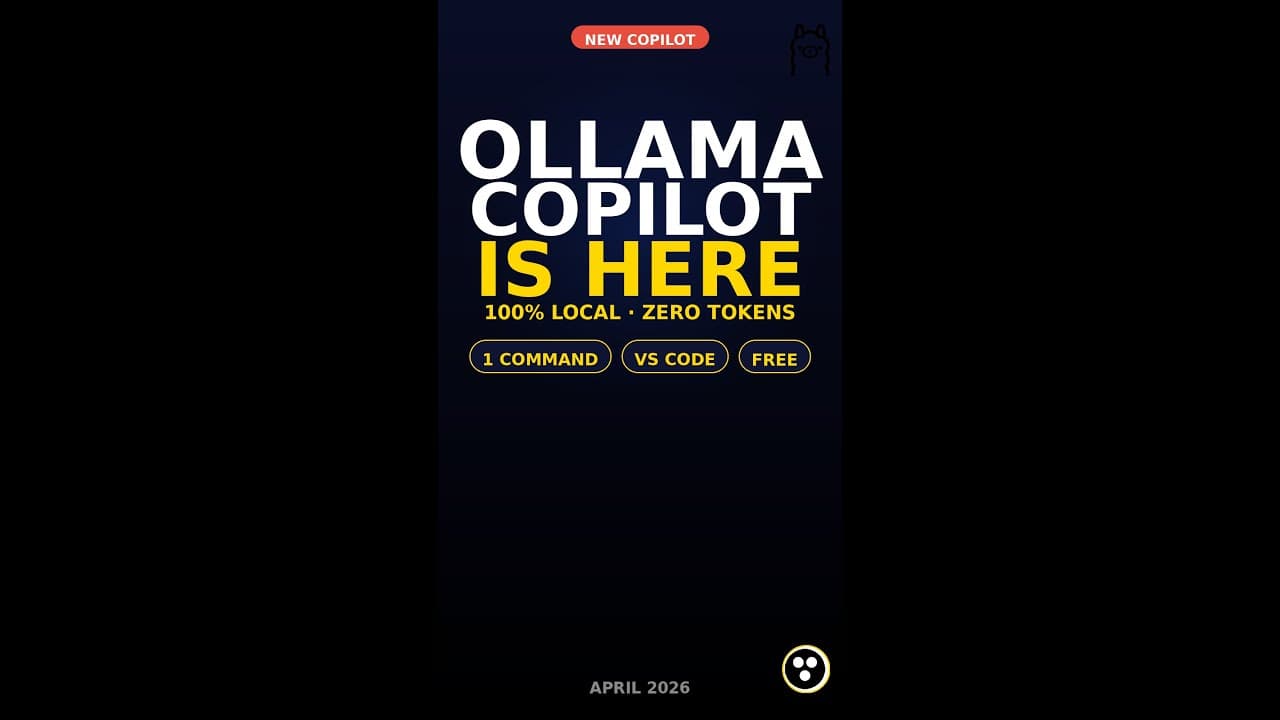
Ollama just dropped native GitHub Copilot Chat integration in VS Code. One command installs it. Runs fully on your machine. Zero API tokens. Zero cloud. Works with the free Copilot plan. Here is how to set it up.
— What You Will Learn —
0:02 Hook — Native Copilot Chat + Ollama
0:13 The One Launch Command
0:21 Top Features
0:29 Real Local Models (Qwen + Kimi)
0:37 Why Local Matters
0:45 Free Guide + Subscribe
— Key Features —
— Native VS Code Copilot Chat model picker with Ollama models
— Single command setup: ollama launch vscode
— Works with free GitHub Copilot plan — no paid license required
— Local and cloud Ollama models side by side
— Tool calling on Qwen 3.6, Kimi K2.6, Gemma
— Agent mode and inline edits via Copilot UI
— Up to 256K context window on supported models
— Code never leaves your laptop — full privacy
— Zero API cost, zero token billing
— Requires Ollama 0.18.3+, VS Code 1.113+, Copilot Chat 0.41.0+
— Links —
— Ollama: https://ollama.com
— VS Code Integration Docs: https://docs.ollama.com/integrations/vscode
— Download Ollama: https://ollama.com/download
— Model Library: https://ollama.com/search
— Free Guide: https://drive.google.com/file/d/10hpKlHhA3L9jE-bOjmkI3sBqAEoZb-I8/view?usp=drivesdk
— Recommended Channels —
3Blue1Brown, Two Minute Papers, freeCodeCamp, Matt Wolfe, Matthew Berman, DeepLearning.AI, Krish Naik, Sentdex, Yannic Kilcher, Nate Herk
#Ollama #Copilot #VSCode #LocalLLM #OpenSource #AICoding #Qwen #KimiK2 #GitHubCopilot #DeveloperTools #AITools #CodingAssistant #shorts