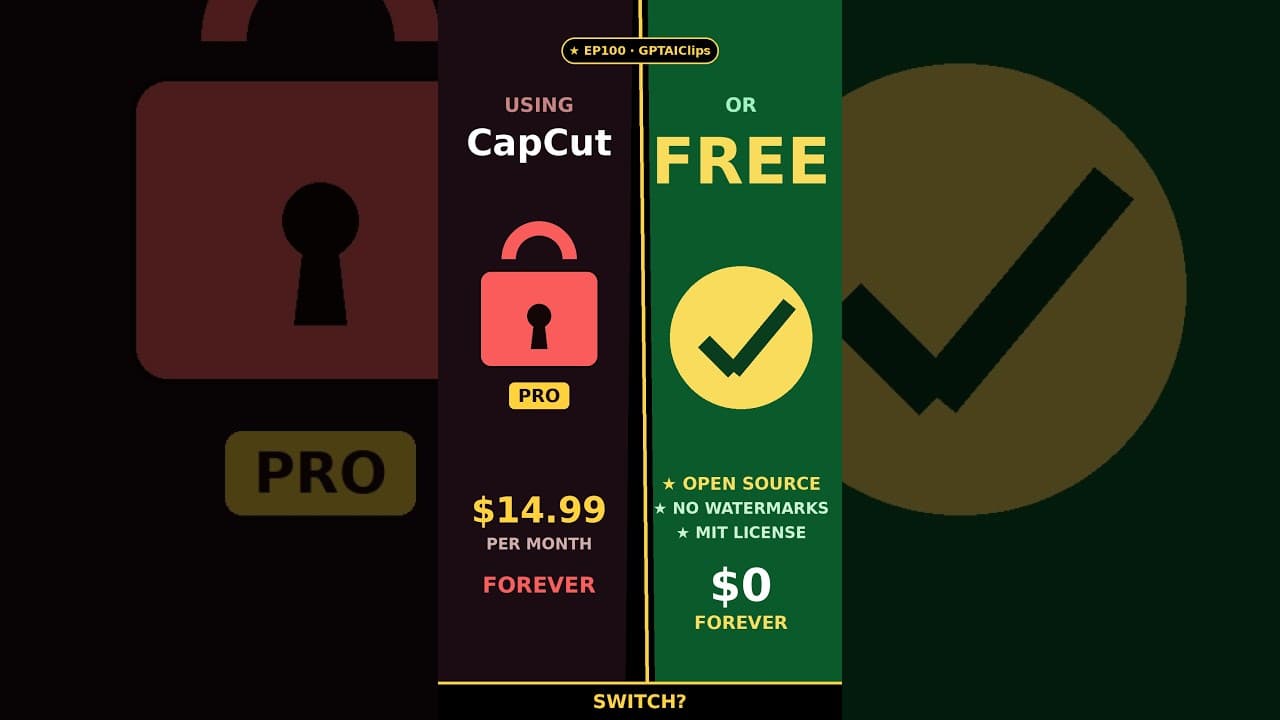
$14.99/mo vs $0. Same editor. Zero watermarks.
CapCut keeps locking features behind a paywall — Auto Captions, AI Background Remove, Premium Templates, watermarks. I hit the wall. So I switched to OpenCut — free, open source, MIT license, runs in your browser.
📊 GPTAIClips Score: 9.6/10
• Cost: 5/5 (completely free, forever)
• Ease: 4/5 (drag, drop, split, trim, export)
• Editing: 5/5 (same feature set as CapCut Pro)
• Creator Friendly: 5/5 (no signup, no paywall, no watermark)
📄 FREE GUIDE PDF (Google Drive):
https://drive.google.com/file/d/1zafi7P3_46lO3z6cEFQ79EzJhTlD2Qtb/view
🔗 OpenCut repo: https://github.com/OpenCut-app/OpenCut
🔗 All links + resources: https://gptaiclips.com
📖 Chapters:
0:00 The CapCut paywall wall
0:07 So I deleted it
0:11 OpenCut — the replacement
0:19 69,000 devs building this
0:31 $14.99/mo vs $0/forever
0:40 The 9.6/10 verdict
#CapCutAlternative #FreeVideoEditor #OpenCut #OpenSource #ContentCreator #GPTAIclips #VideoEditing #DeleteCapCut