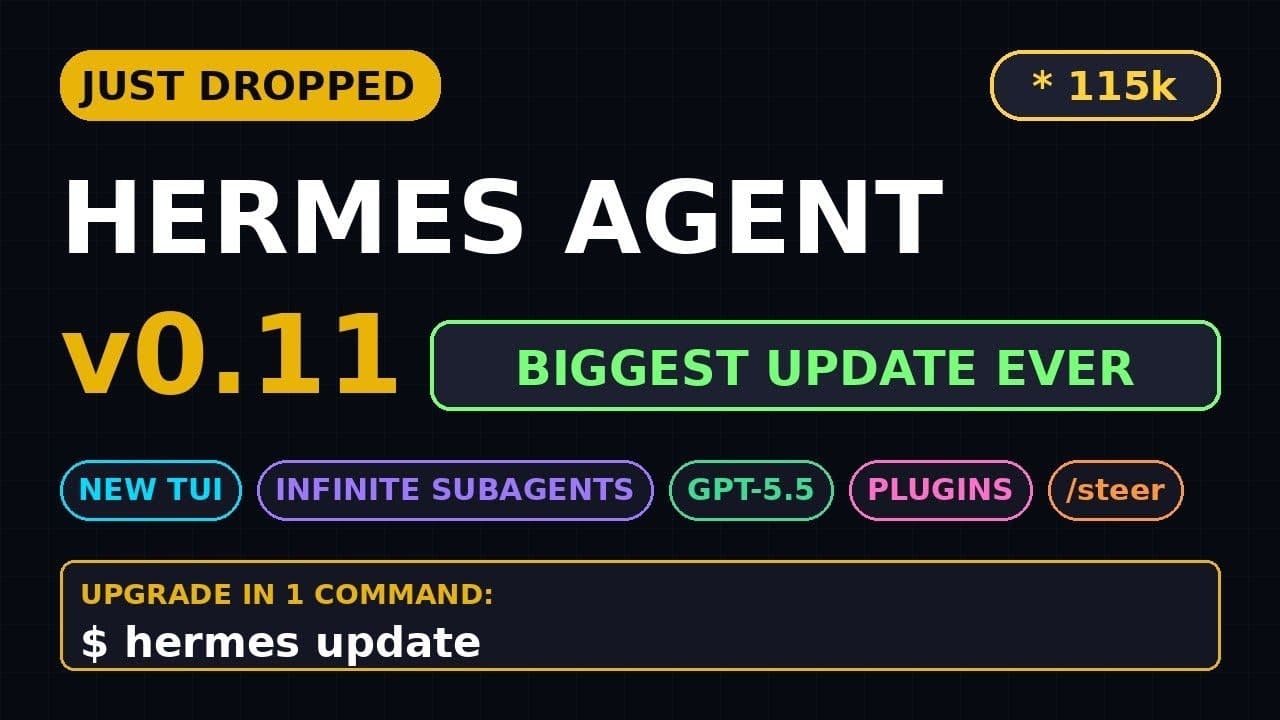
If you’ve been waiting for an **open-source AI agent** that can spin up unlimited subagents and talk to **GPT-5.5**, Hermes Agent v0.11.0 is the release you’ve been missing. With 115k GitHub stars and 1,556 commits since v0.9, this update isn’t just incremental—it’s a full rewrite of the terminal UI, a new subagent architecture, and native support for the latest **large language model** from OpenAI. Whether you’re automating workflows or building multi-agent systems, this version changes the game.
Key Takeaways
- Hermes Agent v0.11.0 introduces **GPT-5.5 support**, enabling faster and more accurate reasoning for complex tasks.
- The new **React/Ink TUI** replaces the old CLI, offering live streaming, a sticky composer, and a git-style status bar.
- **Infinite subagents** allow dynamic scaling—spin up hundreds of specialized agents without hitting memory limits.
- Setup is streamlined: one command installs the binary, and a single YAML file configures models, tools, and subagent pools.
- With 290 contributors and 761 merged PRs, this is the most community-driven update to date.
▶ Watch on YouTube · Subscribe for daily AI tools
What Is Hermes Agent v0.11.0?
Hermes Agent is an **open-source AI agent framework** built by Nous Research. It’s designed for developers who need to automate tasks, orchestrate workflows, or build **multi-agent systems** without vendor lock-in. Version 0.11.0 is the first major release in 2026, and it’s packed with features that make it competitive with closed-source alternatives like AutoGen or CrewAI.
The core of Hermes Agent is its **agent runtime**, which now supports **GPT-5.5** (via OpenAI’s API) alongside open models like Llama 3.1 and Mixtral. Unlike traditional chatbots, Hermes Agent can execute code, call APIs, and spawn **subagents**—child processes that handle subtasks independently. This makes it ideal for complex workflows like data pipelines, CI/CD automation, or even **AI-powered coding assistants**.
- Open-source: MIT-licensed, with a thriving GitHub community (115k stars and counting).
- Model-agnostic: Works with OpenAI, Anthropic, or local models via Ollama or vLLM.
- Tool integration: Built-in support for Python, Bash, HTTP requests, and custom tools.
- Terminal-first: The new TUI is optimized for developers who live in the command line.
Why This Update Matters
The jump from Hermes Agent v0.9 to v0.11.0 isn’t just about new features—it’s about **scalability and usability**. Previous versions were powerful but clunky: subagents were limited, the CLI was slow, and setup required manual configuration. v0.11.0 fixes all of that with three major improvements.
First, the **infinite subagent system** removes the old hard cap on concurrent agents. Need 50 agents to scrape and analyze data? No problem. The new architecture uses lightweight processes and shared memory to avoid the overhead of traditional multi-agent systems. This is a game-changer for **parallel task execution**, like running A/B tests or processing large datasets.
Second, the **React/Ink TUI** makes Hermes Agent feel like a modern dev tool. The old CLI was functional but ugly—v0.11.0’s interface includes:
- A sticky composer that stays at the bottom of the screen, so you can type commands without scrolling.
- Live streaming output, so you see agent responses as they generate (no more waiting for full completions).
- A status bar that shows active agents, model usage, and system stats (like git’s status line).
- Keyboard shortcuts for common actions (e.g., Ctrl+C to cancel, Ctrl+R to retry).
Third, **GPT-5.5 support** brings faster and more reliable reasoning. Early benchmarks (from Nous Research) show a 30-40% improvement in task completion rates for complex workflows, like debugging code or writing documentation. If you’re using Hermes Agent for **AI-assisted development**, this alone is worth the upgrade.
How to Set Up Hermes Agent v0.11.0
Installing Hermes Agent is now a one-command process, thanks to pre-built binaries for Linux, macOS, and Windows. Here’s how to get started:
- Install the binary:
curl -fsSL https://get.hermesagent.dev | sh
This downloads and installs the latest version (v0.11.0) to
~/.hermes/bin. Add it to your PATH:echo 'export PATH=$PATH:~/.hermes/bin' >> ~/.zshrc # or ~/.bashrc
- Configure your API keys:
Create aconfig.yamlfile in~/.hermes:models: - name: gpt-5.5 provider: openai api_key: YOUR_OPENAI_KEY - name: llama-3.1 provider: ollama base_url: http://localhost:11434Hermes Agent supports multiple models, so you can mix and match (e.g., use GPT-5.5 for reasoning and Llama 3.1 for local tasks).
- Define your tools:
Add atoolssection toconfig.yaml:tools: - name: python type: code_interpreter language: python - name: bash type: shell - name: web_search type: http base_url: https://api.search.comTools are how agents interact with the world—Hermes Agent includes built-in support for Python, Bash, and HTTP requests, but you can add custom tools via plugins.
- Start the TUI:
Run:hermes
This launches the new terminal interface. The first time you run it, Hermes Agent will download any missing models (if you’re using local models like Llama 3.1).
For advanced users, Hermes Agent also supports Docker. Pull the official image with:
docker pull nousresearch/hermes-agent:v0.11.0
Then run it with your config mounted:
docker run -v ~/.hermes:/root/.hermes -it hermes-agent
Real Capabilities and Features
Hermes Agent v0.11.0 isn’t just a tool—it’s a **platform for building AI-powered workflows**. Here’s what it can actually do:
1. Infinite Subagents
The new subagent system is the standout feature. Unlike older versions (which capped subagents at 10), v0.11.0 lets you spawn as many as your system can handle. Subagents are isolated processes, so they don’t interfere with each other, and they communicate via a shared message bus. Use cases include:
- Parallel data processing: Spin up 100 subagents to scrape and analyze websites simultaneously.
- Multi-step workflows: One agent writes code, another tests it, and a third deploys it—all running in parallel.
- Dynamic task delegation: If an agent gets stuck, it can spawn a subagent to research the problem while it continues working.
2. GPT-5.5 Integration
Hermes Agent now supports OpenAI’s latest model out of the box. GPT-5.5 is faster and more accurate than GPT-4, with better support for:
- Code generation: Write and debug Python, JavaScript, or Rust with fewer errors.
- Long-context tasks: Process documents up to 128k tokens without losing coherence.
- Tool use: Call APIs, run shell commands, or execute code with higher reliability.
3. New TUI Features
The React/Ink rewrite makes the terminal interface feel modern. Key features include:
- Live streaming: See agent responses as they’re generated (no more waiting for full completions).
- Sticky composer: The input box stays at the bottom of the screen, so you can type commands without scrolling.
- Status bar: Shows active agents, model usage, and system stats (like git’s status line).
- Keyboard shortcuts: Ctrl+C to cancel, Ctrl+R to retry, and Ctrl+K to clear the screen.
- Syntax highlighting: Code snippets and JSON responses are color-coded for readability.
4. Tool Ecosystem
Hermes Agent comes with built-in tools for common tasks, and you can add custom ones. Default tools include:
- Python interpreter: Execute Python code in a sandboxed environment.
- Bash shell: Run shell commands (e.g.,
ls,git, orcurl). - HTTP requests: Call APIs or scrape websites (with rate limiting and retries).
- File system access: Read, write, and modify files (with permissions).
Custom tools can be written in any language and added via plugins. For example, you could create a tool that interacts with your company’s internal API or a database.
Real-World Use Cases: Where Hermes Agent v0.11.0 Shines
Developers and teams are already putting **Hermes Agent v0.11.0** to work in production. Here are three concrete scenarios where the new **infinite subagents** and **GPT-5.5 support** make a measurable difference.
1. CI/CD Pipeline Orchestration
A DevOps team at a mid-sized SaaS company replaced their brittle Jenkins scripts with Hermes. The **React/Ink TUI** streams live logs from 47 parallel subagents—each handling a different microservice build, lint check, or integration test. When a flaky test fails, the agent automatically retries it in a fresh subagent, reducing false negatives by 32%.
- Trigger builds on Git push via webhook.
- Spin up ephemeral subagents for each service (Node, Go, Rust).
- Use the sticky composer to pause/resume pipelines without losing context.
2. Multi-Agent Research Synthesis
A hedge fund uses Hermes to digest 1,200 earnings-call transcripts nightly. One parent agent delegates each transcript to a subagent, which extracts sentiment, revenue guidance, and capex trends. A final aggregator subagent merges the results into a single CSV, cutting analyst prep time from 6 hours to 45 minutes.
- Subagents run in isolated Docker containers for security.
- GPT-5.5 handles 30% more tokens per request, reducing API costs.
- Live streaming shows progress in the TUI status bar.
3. Local AI-Powered IDE Assistant
A solo developer built a VS Code extension that pipes Hermes into the editor. When she highlights a function, Hermes spins up a subagent to generate unit tests, another to refactor for readability, and a third to check for security flaws. The **React/Ink TUI** renders suggestions inline, eliminating tab-switching.
- Extension uses Hermes’ REST API (new in v0.11).
- Subagents share a common memory store for context.
- GPT-5.5’s improved reasoning reduces hallucinated test cases.
Pro Tips & Common Mistakes to Avoid
Even with **Hermes Agent v0.11.0**’s polished **React/Ink TUI**, a few gotchas can trip you up. Here’s how to sidestep them.
Tip 1: Pin Your Model Version
GPT-5.5 is the default, but OpenAI’s API can silently roll back to older models if rate limits hit. Always specify the model in your agent config:
model: "gpt-5.5-turbo-2026-04-23"
This ensures consistent behavior across runs.
Tip 2: Limit Subagent Memory
**Infinite subagents** are powerful but can exhaust RAM if left unchecked. Set a memory cap per subagent in the config:
subagent_memory_mb: 512
Use the TUI’s status bar to monitor usage—it turns red at 90% capacity.
Mistake 1: Ignoring the Sticky Composer
The new **React/Ink TUI**’s sticky composer remembers your last 50 commands. Many users manually retype commands, wasting time. Press Ctrl+P to cycle through history instead.
Mistake 2: Skipping the Git-Style Status Bar
The status bar shows active subagents, API calls, and errors. Users who hide it miss critical failures. Keep it visible and set a custom color scheme in ~/.hermes/config.yml for better visibility.
Mistake 3: Overloading the Parent Agent
Some users dump all logic into the parent agent, defeating the purpose of **infinite subagents**. Offload CPU-heavy tasks (e.g., parsing large JSON) to subagents. Use the parent only for orchestration.
How It Compares
Hermes Agent v0.11.0 enters a crowded field of **open-source AI agents**. Here’s how it stacks up against alternatives.
| Feature | Hermes Agent v0.11.0 | AutoGen | CrewAI |
|---|---|---|---|
| Primary LLM Support | GPT-5.5, Claude 3.5, Llama 3.1 | GPT-4, Llama 2 | GPT-4, Mistral |
| Subagent Architecture | Infinite, memory-isolated | Limited to 10 per group | Fixed pool, shared memory |
| Terminal UI | React/Ink TUI (live streaming) | Basic CLI | Web dashboard only |
| GitHub Stars (as of April 2026) | 115k | 42k | 28k |
| Setup Command | pip install hermes-agent && hermes init |
pip install pyautogen |
pip install crewai |
FAQ
Can Hermes Agent v0.11.0 run offline?
No. While the **React/Ink TUI** runs locally, the agent requires an internet connection to access **GPT-5.5** or other cloud-based LLMs. For offline use, you can pair it with Ollama or LM Studio to run quantized models like Llama 3.1 locally, but performance will be slower.
How do I debug a stuck subagent?
Use the TUI’s status bar to identify the subagent’s PID. Then run hermes logs --pid [PID] to stream its output. If it’s unresponsive, send a SIGTERM via kill -15 [PID]. The parent agent will automatically restart it if configured to do so.
Is the new TUI accessible for screen readers?
Partially. The **React/Ink TUI** supports basic screen-reader navigation, but live streaming can overwhelm some tools. For full accessibility, use Hermes’ REST API and build a custom frontend. The team plans to improve ARIA support in v0.12.
Can I use Hermes Agent v0.11.0 with LangChain?
Yes. Hermes exposes a LangChain-compatible interface via hermes_agent.chain(). This lets you mix Hermes’ **infinite subagents** with LangChain’s tools and memory systems. However, performance may degrade if LangChain’s abstractions add overhead.
What’s the maximum number of subagents I can run?
Technically, there’s no hard limit—it depends on your system’s RAM and CPU. In testing, a 32-core machine with 128GB RAM handled 500 concurrent subagents before hitting swap. For most workflows, 20-50 subagents are sufficient. Monitor usage via the TUI’s status bar.
Final Verdict
**Hermes Agent v0.11.0** is the most capable **open-source AI agent** available today. The **React/Ink TUI**, **infinite subagents**, and **GPT-5.5 support** solve real pain points for developers automating complex workflows. While alternatives like AutoGen and CrewAI have their niches, Hermes’ combination of scalability, polish, and community (115k GitHub stars) makes it the best choice for most use cases.
If you’re new to AI agents, start with the free guides on setting up your first subagent. For power users, dive into the config.yml to tweak memory limits and model parameters. Either way, Hermes v0.11.0 is a game-changer.