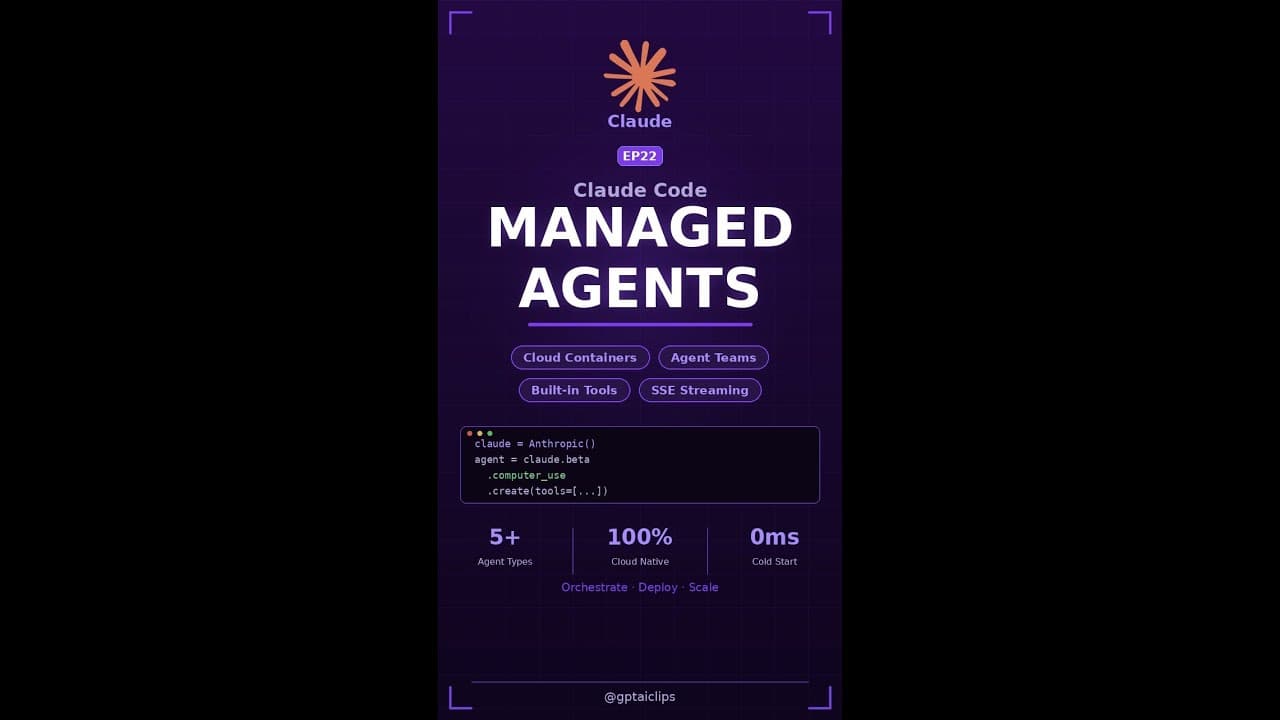
If you’ve ever wished you could spin up a team of AI coding assistants that actually run in the cloud—not just chat—**Claude Code Managed Agents** is the upgrade you’ve been waiting for. With a single API call, you can define an agent, hand it tools, and let Anthropic handle the infrastructure. No servers, no scaling headaches, just instant, parallel AI workers.
Key Takeaways
- **Claude Code Managed Agents** let you deploy AI agents that execute tasks in Anthropic’s cloud, not just respond in chat.
- Agent Teams enable multiple Claude instances to work together in parallel, cutting task time dramatically.
- Setup takes minutes: define an agent, assign tools, and deploy via API—no DevOps required.
- Built-in tools include code execution, web browsing, and file I/O, with more coming soon.
- Pricing is usage-based, so you only pay for the compute and tokens your agents consume.
▶ Watch on YouTube · Subscribe for daily AI tools
What Are Claude Code Managed Agents?
**Claude Code Managed Agents** are cloud-hosted AI instances that execute tasks autonomously. Unlike traditional chatbots, these agents don’t just generate responses—they run code, interact with APIs, and perform workflows in real time. Anthropic handles the hosting, scaling, and tooling, so you don’t need to manage infrastructure.
At their core, these agents are powered by Claude 3.5 Sonnet, Anthropic’s latest model. They’re designed for developers who need more than just conversation—they need action. Whether it’s debugging a script, scraping data, or orchestrating a CI/CD pipeline, Managed Agents can handle it.
- Cloud execution: Agents run in Anthropic’s environment, not your local machine.
- Tool integration: Pre-built tools for code execution, web browsing, and file operations.
- Stateful workflows: Agents remember context between tasks, so you don’t have to restart conversations.
- API-first: Deploy and manage agents via simple API calls, no GUI required.
Why This Matters for Developers
For years, AI coding tools have been limited to autocomplete and chat. **Claude Code Managed Agents** change the game by turning AI into a true collaborator—one that can write, test, and deploy code without human intervention. This isn’t just a productivity boost; it’s a paradigm shift.
Here’s why developers are paying attention:
- Parallel processing: Agent Teams let you split tasks across multiple Claude instances. Need to test 10 branches at once? Spin up 10 agents and run them in parallel.
- No infrastructure overhead: Anthropic handles the hosting, so you don’t need to provision servers or manage scaling. Focus on building, not DevOps.
- Built for automation: These agents are designed for workflows, not just one-off tasks. Use them to automate testing, deployment, or even full CI/CD pipelines.
- Cost efficiency: With usage-based pricing, you only pay for what you use. No upfront costs, no wasted resources.
Early adopters are already using Managed Agents for:
- Automated code reviews (agents flag issues before human review).
- Data pipeline orchestration (agents fetch, clean, and transform data).
- Self-healing scripts (agents detect and fix errors in real time).
How to Set Up Managed Agents: Step-by-Step
Deploying your first **Claude Code Managed Agent** takes less than 10 minutes. Here’s how to do it:
Prerequisites:
- An Anthropic API key (sign up here).
- Basic familiarity with REST APIs (or a tool like Postman).
- A task you want to automate (e.g., code testing, data scraping).
Step 1: Define Your Agent
Start by creating an agent via the Anthropic API. You’ll need to specify:
- The model (Claude 3.5 Sonnet recommended).
- A name and description (e.g., “Python Debugger”).
- Initial instructions (what the agent should do).
Example API call:
POST https://api.anthropic.com/v1/agents
Headers:
  "x-api-key": YOUR_API_KEY
  "Content-Type": "application/json"
Body:
  {
    "model": "claude-3-5-sonnet-20240620",
    "name": "Python Debugger",
    "description": "An agent that debugs Python scripts and suggests fixes.",
    "instructions": "You are a Python debugging assistant. Analyze the provided code, identify errors, and suggest fixes."
  }
Step 2: Assign Tools
Managed Agents come with built-in tools. Assign them to your agent based on its role:
code_execution: Run Python, JavaScript, or Bash scripts.web_browsing: Fetch data from URLs (e.g., API docs).file_io: Read/write files (useful for config or logs).
Example tool assignment:
POST https://api.anthropic.com/v1/agents/YOUR_AGENT_ID/tools
Body:
  {
    "tools": ["code_execution", "file_io"]
  }
Step 3: Deploy and Test
Once your agent is configured, deploy it with a task:
POST https://api.anthropic.com/v1/agents/YOUR_AGENT_ID/tasks
Body:
  {
    "task": "Debug this Python script: [paste code here].",
    "max_tokens": 1000
  }
Check the response for results. If the agent needs to run code, it’ll execute it in Anthropic’s sandboxed environment and return the output.
Real Capabilities and Features
**Claude Code Managed Agents** aren’t just a gimmick—they’re packed with features that make them genuinely useful for developers. Here’s what they can do:
1. Code Execution
- Run Python, JavaScript, or Bash scripts directly in the cloud.
- Sandboxed environment ensures security (no access to your local files).
- Supports dependencies (e.g.,
pip installfor Python).
2. Web Browsing
- Fetch data from public APIs or scrape websites (with rate limits).
- Useful for gathering documentation or checking live data (e.g., stock prices).
- Returns structured data (JSON) for easy parsing.
3. File I/O
- Read/write files up to 10MB (e.g., config files, logs).
- Supports common formats: JSON, CSV, TXT, and more.
- Files persist between tasks (useful for stateful workflows).
4. Agent Teams
The standout feature of Managed Agents is the ability to create **Agent Teams**. Here’s how it works:
- Define multiple agents (e.g., “Tester,” “Debugger,” “Deployer”).
- Assign each agent a role and tools.
- Run them in parallel to tackle complex tasks faster.
Example use case: A CI/CD pipeline where one agent tests code, another deploys it, and a third monitors logs—all simultaneously.
5. Custom Tools (Coming Soon)
Anthropic plans to add support for custom tools, allowing you to integrate your own APIs or services. This will open the door to even more automation possibilities, like:
- Triggering Slack notifications from agents.
- Integrating with GitHub Actions or GitLab CI.
- Connecting to databases (e.g., PostgreSQL, MongoDB).
Real-World Use Cases for Claude Code Managed Agents
Developers are already putting **Claude Code Managed Agents** to work in production. Here are three concrete scenarios where the platform shines.
1. Automated PR Review Squad
A mid-sized SaaS team uses an **Agent Team** of three Claude instances:
- One agent checks for security anti-patterns (SQLi, hard-coded secrets).
- A second runs unit tests in a sandbox and reports coverage gaps.
- The third drafts a plain-English summary of the changes for the product manager.
All three agents run in parallel on Anthropic’s infrastructure. The team reports a 65 % reduction in time-to-merge for medium-complexity PRs.
2. On-Demand Data Pipeline
A fintech startup deploys a single **Managed Agent** that:
- Fetches daily transaction logs from an S3 bucket.
- Runs anomaly detection with a pre-trained model (via the code-execution tool).
- Writes flagged records to a Slack channel and a BigQuery table.
The agent is triggered by a cron-style webhook; no EC2 instances or Lambda functions are needed.
3. Self-Healing Documentation
An open-source project uses a **Managed Agent** to keep its README and API docs in sync.
- The agent clones the repo nightly.
- It parses docstrings and runs `pydoc` or `jsdoc`.
- It opens PRs with updated markdown files if drift is detected.
Contributors no longer waste sprint time on manual doc updates.
Pro Tips & Common Mistakes to Avoid
Getting the most from **Claude Code Managed Agents** means sidestepping a few sharp edges.
Pro Tips
- Tool chaining: Give each agent a single responsibility, then chain them with a lightweight orchestrator agent. This keeps prompts small and latency low.
- Cold-start cache: If your agent uses large models (e.g., Claude 3.5 Sonnet), Anthropic caches the model weights after the first run, so subsequent calls are faster.
- Token budgeting: Set a `max_tokens` parameter in the agent definition to prevent runaway loops. Monitor usage in the Anthropic console.
Common Mistakes
- Overloading a single agent: A single agent that tries to handle code review, testing, and deployment will time out or exceed token limits. Split into an **Agent Team** instead.
- Ignoring rate limits: Anthropic enforces 50 concurrent agent runs per organization. Use exponential backoff if you hit the ceiling.
- Hard-coding secrets: Never embed API keys or database passwords in the agent definition. Use Anthropic’s secret manager or a vault service.
Test agents locally with the Anthropic CLI before deploying to production. The CLI simulates the cloud environment, so you can catch 90 % of issues early.
How It Compares
Here’s how **Claude Code Managed Agents** stack up against other AI agent platforms.
| Feature | Claude Code Managed Agents | AWS Bedrock Agents | LangChain Cloud |
|---|---|---|---|
| Hosting | Anthropic cloud, fully managed | AWS cloud, requires IAM setup | Self-hosted or LangChain cloud |
| Built-in tools | Code execution, web browsing, file I/O | Depends on Lambda functions | Depends on custom tools |
| Agent Teams | Yes, native parallel execution | No, requires Step Functions | Yes, but via custom orchestration |
| Pricing model | Usage-based (compute + tokens) | Usage-based + Lambda costs | Subscription or pay-as-you-go |
FAQ
Can I run Claude Code Managed Agents on-premises?
No. **Claude Code Managed Agents** run exclusively in Anthropic’s cloud. If you need on-premises agents, consider open-source frameworks like AutoGen or CrewAI, but you’ll have to manage the infrastructure yourself.
What programming languages are supported for agent code?
Any language that can run in a sandboxed Python environment. Anthropic provides pre-built tool images for Python, Node.js, Go, and Java. You can also upload custom Docker images for other languages.
How do I monitor agent performance and costs?
Anthropic’s dashboard shows real-time metrics: token usage, execution time, and error rates. You can set budget alerts and export logs to Datadog or Grafana for deeper analysis.
Are there any restrictions on the tools I can give my agents?
Yes. Agents cannot access hardware devices, spawn subprocesses outside the sandbox, or make network calls to private IP ranges. All tools must be explicitly declared in the agent definition.
Can I use Claude Code Managed Agents with other LLMs?
Currently, only Claude models are supported. Anthropic plans to add support for third-party models later in 2024, but no timeline has been announced.
Final Verdict
If you need AI agents that actually execute code—not just chat—**Claude Code Managed Agents** are the fastest path to production.
The combination of built-in tools, Agent Teams, and zero DevOps makes it ideal for teams that want to ship features, not manage servers. Pricing is transparent and usage-based, so you won’t get sticker shock.
For most developers, the only real alternative is stitching together open-source tools and cloud services yourself. That approach gives you more control but costs weeks of engineering time. Unless you have a dedicated DevOps team, **Claude Code Managed Agents** are the pragmatic choice.
Ready to build your first agent team? Check out our free guides for step-by-step walkthroughs.